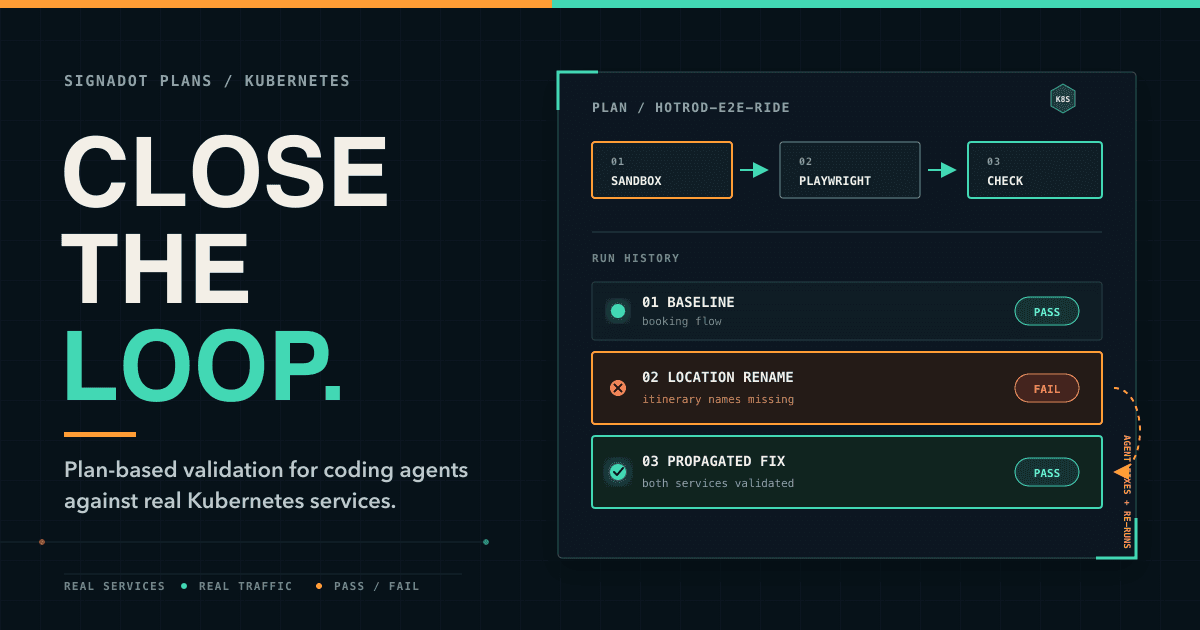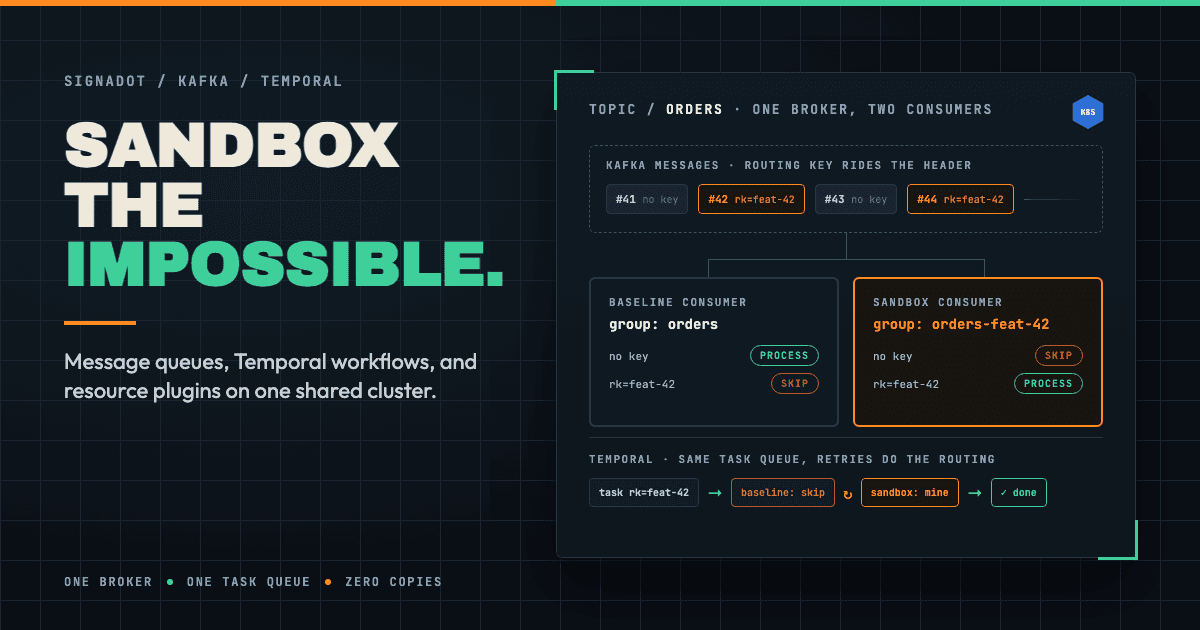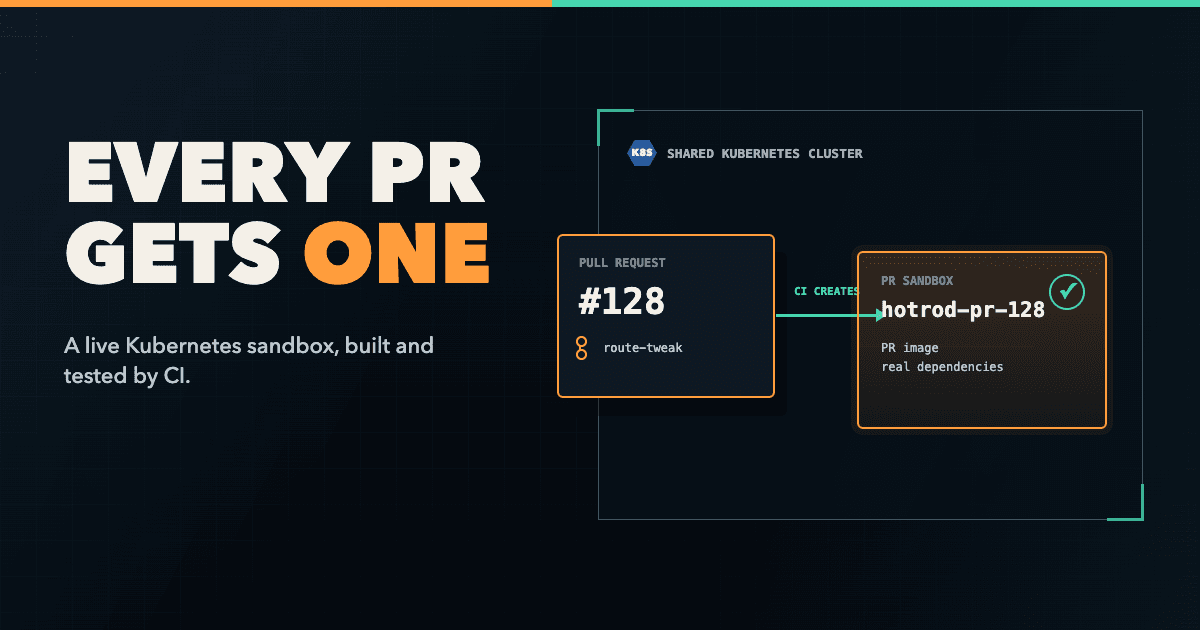
I looked at Signadot a couple of years ago when looking for a faster inner loop when working with microservices. Since then, their product has evolved quite a bit, particularly when it comes to integrating with coding agents to support agentic workflows.
This will be a series of blog posts going through all of their use cases, especially looking into the features they've added to enable AI-native development like agent skills, their MCP server, and their new Plans feature. The series will cover using Signadot for both local development with coding agents and pre-merge PR validation.
In this first post, I'll go through the local development workflow and how to involve a coding agent. You'll see how to connect your local environment/laptop to a real Kubernetes cluster, then have an agent build and validate a feature against live dependencies, and debug a cross-service bug with traffic recording and local overrides.
The problem with agents and microservices
There are two problems here, and agents make both of them worse.
The first is that agents can't self-validate against real dependencies. Without a live environment to run against, an agent produces a change that compiles, passes its unit tests, and looks correct. Until it breaks three services down the call chain until much later.
The second is scale. The moment you have multiple developers and multiple agents all making changes at the same time, sharing a single staging environment becomes messy very fast. What you need is something like git worktrees, but for your infrastructure. Something that gives you isolated environments that are cheap and fast to spin up.
One solution here could be to give everyone a full clone of the cluster, but that doesn't really scale well and it costs money.
Rendering diagram…
How Signadot works?
The main approach Signadot takes is that you can have a single shared baseline cluster, with each change layered on as a lightweight delta.
So if I am working on service A, I don't need to clone or copy any of its upstream or downstream dependencies. Instead, I can run that service in a sandbox. A sandbox is a fork of my service running locally, could be fork from a Docker image and so on.
Using a routing key, the traffic is then routed based on each request to my sandbox and still reuses upstream or downstream dependencies. This also allows other developers or agents to share the same cluster without interfering with each other.
Same goes for stateful resources - they are scoped per sandbox. Databases, queues, and topics can get sandbox-specific schemas and names, so isolated changes stay isolated.
For developers there's a CLI you can use to create and manage sandboxes and other components as well as an MCP server. Agents can use that to create sandboxes, get the configuration and then validate its own work.
Rendering diagram…
Let's get hands-on with a couple of demos.
Prerequisites
Before we start, you'll need:
- A Signadot account (free tier available)
- Signadot CLI v1.4.0+
- A Kubernetes cluster (minikube, k3s, EKS, GKE, AKS — anything works)
- Go 1.21+ (for running the demo service locally)
- A coding agent with MCP support (Cursor, Claude Code, or VS Code)
Install the Signadot CLI
# macOS
brew install signadot/tap/signadot-cli

# Linux
curl -sSLf https://raw.githubusercontent.com/signadot/cli/main/scripts/install.sh | sh

# Verify
signadot version
Install the Demo Application
I'll use HotROD for the demos. HotROD is a ride-sharing demo app with four microservices: frontend, driver, route, and location, backed by Kafka, Redis, and MySQL.
Assuming you have a cluster ready, you can deploy HotROD:
kubectl create ns hotrod --dry-run=client -o yaml | kubectl apply -f -
You don't need a dedicated service mesh to use Signadot, but if you're already using Istio or Linkerd service mesh, pick the specific config files for your mesh:
# If using Istio:
kubectl -n hotrod apply -k 'https://github.com/signadot/hotrod/k8s/overlays/prod/istio'

# If using Linkerd or no service mesh:
kubectl -n hotrod apply -k 'https://github.com/signadot/hotrod/k8s/overlays/prod/linkerd'
Set Up the MCP Server
Setup here will depend on your editor, so it's best to check the instructions here. You will need the Signadot CLI though as that's what hosts/runs the MCP server — e.g.
signadot mcp is the command you'd want to set up in your editor of choice.Part 1: Connecting to the Cluster
Signadot lets you access cluster services using their Kubernetes DNS names directly from your local machine. Setting that up takes three commands.
Authenticate
signadot auth login
Configure the Connection
Create
~/.signadot/config.yaml:local:
connections:
- cluster: <your-cluster-name>
type: ControlPlaneProxy
Replace
<your-cluster-name> with your cluster from app.signadot.com/settings/clusters.Connect
signadot local connect
You'll need root privileges — Signadot updates
/etc/hosts with cluster service names and configures networking. Verify it works:curl http://frontend.hotrod.svc:8080
Open http://frontend.hotrod.svc:8080 in your browser to see the HotROD ride-sharing UI.
Part 2: Adding a Feature with a Coding Agent
Now let's do something real: have a coding agent add an "estimated fare" endpoint to the
route service and validate it against live cluster dependencies.Clone the Repo
git clone https://github.com/signadot/hotrod.git
cd hotrod
Create a Local Sandbox
Here's the problem with developing against a real microservices cluster: if I want to work on the
route service locally, my local version needs to be reachable from — and able to reach — every other service in the cluster. Traditionally that means running everything locally (painful) or pushing a new image and waiting for a rollout (slow, and shared with the whole team).A sandbox solves this. Instead of duplicating everything, it replaces the one service you're working on. In this case it doesn't even run a new pod — it routes traffic for the
route service to a process on my laptop, but only for requests carrying my routing key. Everyone else's traffic is untouched.Using the CLI:
# Save as local-route.yaml
cat << 'EOF' > local-route.yaml
name: local-route-dev
spec:
  description: Local development for route service
  cluster: "<your-cluster-name>"
  ttl:
    duration: 1d
  local:
  - name: "local-route"
    from:
      kind: Deployment
      namespace: hotrod
      name: route
    mappings:
    - port: 8083
      toLocal: "localhost:8083"
EOF

signadot sandbox apply -f ./local-route.yaml
Using a coding agent (via MCP):
In Cursor or Claude Code, prompt:
Prompt
Create a sandbox with a local mapping for the route service in the hotrod namespace, mapping port 8083 to localhost:8083
The agent uses the MCP server to create the sandbox — no YAML needed.
Start the Service Locally
Extract the environment variables the route service needs from the cluster, then start it:
eval $(signadot sandbox get-env local-route-dev)
go run ./cmd/hotrod/main.go route
The
route service is now running on your machine, connected to real cluster dependencies.How the routing works
So how does Signadot know to send a request to my laptop instead of the
route pod in the cluster? It uses the OpenTelemetry baggage header with a key called sd-routing-key. When you activate a sandbox, either with the Chrome extension or by setting the header yourself, that key is attached to every request. Signadot's routing layer in the cluster reads it, matches it to your sandbox, and forwards the request to your local process. No matching key means the request stays on the baseline pod.Rendering diagram…
That's the whole isolation model: the routing key is what keeps your changes — and everyone else's — from colliding on a shared cluster.
Rendering diagram…
Build the Fare Feature
Let's try building a simple new feature that takes pickup and dropoff coordinates and calculates a fare. Here's the prompt:
Prompt
Using the Signadot sandbox
local-route-dev, add a /fare endpoint to the route service. It should accept pickup and dropoff coordinates as query parameters, use the existing route calculation to get the ETA, and return an estimated fare as JSON. Once it's implemented, test it against the live sandbox.Watch what it does: it calls the Signadot MCP tool to inspect the sandbox, writes the handler, restarts the service, and then runs a request against the live sandbox to check its own work. That last step is the difference between a coding assistant that hands you code and says "looks right" and an agent that actually verifies the behavior.
Once the agent completes its work, you can verify the feature works correctly:
curl -s "http://route.hotrod.svc:8083/fare?pickup=231,773&dropoff=115,277" | jq
You should see a fare calculated from real ETA data in the cluster:
{
  "pickup": "231,773",
  "dropoff": "115,277",
  "eta": 70,
  "fare": "$38.00"
}
That fare is calculated against "real" route data - we didn't use a special mock or a stub, but instead connected to real services running inside the cluster. The agent wrote the code, the sandbox connected it to real infrastructure, and it validated the result in seconds.
Testing a Change Across Multiple Services
The fare feature doesn't stop at the route service. To surface the estimated fare in the UI, the real change spans three services:
- route — calculates the fare and returns it as part of the FindRoute response (with a matching proto/interface change to add a cost field).
- driver — passes the fare through and sends it to the frontend as part of the dispatch notification.
- frontend — displays the fare it parses from that notification.
This is exactly the kind of change where single-service testing falls short. While each service compiles and passes its own tests, the full end-to-end behavior only works if all three agree on the contract. So we want to run all three locally, together, against the real cluster.
We could create a separate sandbox for each workload, but we don't have to do that. We can create a single sandbox that maps multiple local workloads, and they all share one routing key. So a single activation routes traffic through all three of your local processes.
# Save as fare-feature.yaml
cat << 'EOF' > fare-feature.yaml
name: fare-feature-dev
spec:
  description: Local dev for the fare feature across route, driver, and frontend
  cluster: "<your-cluster-name>"
  ttl:
    duration: 1d
  local:
  - name: local-route
    from:
      kind: Deployment
      namespace: hotrod
      name: route
    mappings:
    - port: 8083
      toLocal: "localhost:8083"
  - name: local-driver
    from:
      kind: Deployment
      namespace: hotrod
      name: driver
    mappings:
    - port: 8082
      toLocal: "localhost:8082"
  - name: local-frontend
    from:
      kind: Deployment
      namespace: hotrod
      name: frontend
    mappings:
    - port: 8080
      toLocal: "localhost:8080"
EOF
You can now create the sandbox using the CLI:
signadot sandbox apply -f ./fare-feature.yaml
Then pull the environment for each workload. The
--local flag selects which one — and start the three services, each in its own terminal:# Terminal 1 — route
eval $(signadot sandbox get-env fare-feature-dev --local local-route)
go run ./cmd/hotrod/main.go route
# Terminal 2 — driver
eval $(signadot sandbox get-env fare-feature-dev --local local-driver)
go run ./cmd/hotrod/main.go driver
# Terminal 3 — frontend
eval $(signadot sandbox get-env fare-feature-dev --local local-frontend)
go run ./cmd/hotrod/main.go frontend
If you open the HotROD UI and request a ride, every call stays in the cluster, because we didn't specify the routing key. Now activate the single
fare-feature-dev sandbox in the Chrome extension.[Screenshot: activating the
fare-feature-dev sandbox in the Chrome extension]That one routing key covers all three local workloads. If you request a ride again the traffic flows through all three of your local services, and the estimated fare shows up in the UI, served end to end from your laptop.
Debugging with Traffic Recording and Overrides
Now for a debugging scenario that's genuinely hard to do well without the right tooling. A PR comes in that renames a field in the location service response from name to something else. It passes unit tests and the service is internally consistent, but the frontend breaks because it still expects name. This is exactly the kind of integration bug that slips through code review and unit tests.
Create a Sandbox with the Bug
There's a pre-built image of the buggy location service in the HotROD repo, so there's no Docker build to do here. The difference from the previous sandbox is that in the one, we're not mapping the service to a local instance, instead we're 'customizing' an existing deployment with a specific image:
# Save as pr-263-location.yaml
cat << 'EOF' > pr-263-location.yaml
name: pr-263-location
spec:
  description: Location service with breaking field name change
  cluster: "<your-cluster-name>"
  ttl:
    duration: 1d
  forks:
  - forkOf:
      kind: Deployment
      namespace: hotrod
      name: location
    customizations:
      images:
      - image: signadot/hotrod:ee63f5381680e089fec075e9adb8f4c7c0cda38f-linux-amd64
EOF
You can create the sandbox with the apply command:
signadot sandbox apply -f pr-263-location.yaml
Activate the
pr-263-location sandbox with the Chrome extension, then visit http://frontend.hotrod.svc:8080 and try to request a ride. You'll notice the location dropdown is broken as there's no names for locations.Recording Traffic
We can debug this using traffic recorder. You launch it from the terminal:
signadot traffic record --sandbox pr-263-location --inspect --clean
An interactive TUI opens and captures requests flowing through the sandbox in real time. Trigger another request from the browser, then navigate to the
GET /locations request in the TUI and look at the response body:[
{
"id": 1,
"locName": "Dog My Home",
"coordinates": "231,773"
}
]
And there's the issue. The field is
locName, but the frontend expects name. You can press Ctrl+C to stop recording.Testing a fix for the issue
We found the issue, time to test a fix. Since we're not running a full instance of the service locally and we only have a Docker image with a binary, what we can do is to write a small local server that handles just the
/locations endpoint and returns the correct field name. Note that this could be in any programming language, it doesn't really matter, as long as it can handle HTTP requests.Let's create
location-fix.js:const express = require('express');
const app = express();
app.use(express.json());
const LOCATIONS_DATA = [
{ id: 1, name: "Dog My Home", coordinates: "231,773" },
{ id: 123, name: "Lion Rachel's Floral Designs", coordinates: "115,277" },
{ id: 392, name: "Bear Trom Chocolatier", coordinates: "577,322" },
{ id: 567, name: "Eagle Amazing Coffee Roasters", coordinates: "211,653" },
{ id: 731, name: "Tiger Japanese Desserts", coordinates: "728,326" }
];
// Override this one endpoint
app.get('/locations', (req, res) => {
res.set('sd-override', 'true');
res.json(LOCATIONS_DATA);
});
// Let everything else fall through to the sandbox baseline
app.use((req, res) => res.status(404).end());
const port = process.env.PORT || 8081;
app.listen(port, () => console.log(`Local override server running on port ${port}`));
The key detail is the
sd-override: true response header in the /locations endpoint. When Signadot sees that value, it returns the local response to the caller. When it's absent, the request falls through to the sandbox. That gives you surgical precision - override only the exact endpoint you're fixing, and everything else in the sandbox runs normally.Let's install express and then launch the server:
npm install express
node location-fix.js
Apply the Override
This is different from the local mapping we used previously. Instead of replacing the whole service, you're overriding at the endpoint level - so we're creating an override on top of a sandbox:
signadot local override \
  --sandbox pr-263-location \
  --workload location \
  --workload-port 8081 \
  --with localhost:8081
Once the local override is applied, you can refresh the HotROD UI with the
pr-263-location sandbox still active. The location dropdown works again! In this example we went full circle - we created an isolated sandbox, recorded traffic to diagnose an issue, implemented a local override to fix it and then validated to confirm the fix. This took only a couple of minutes, and you never touched the shared environment.Conclusion
Everything in this article is "open-loop" development. The agent had access to tools to create environments and validate changes, but I was still in the loop. I was running curls and checking the UI.