Preflight: AI Code Review Before You Push
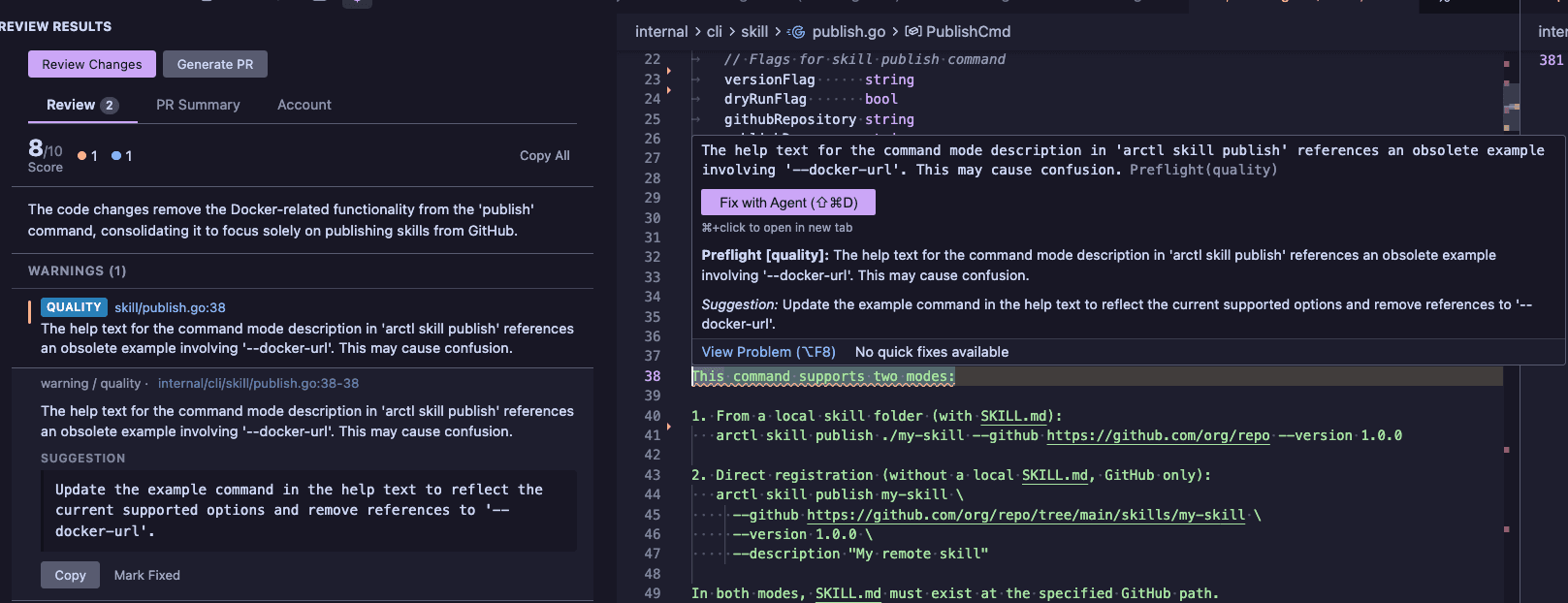
Preflight is a VSCode extension that reviews your code changes and generates PR summaries using AI — all before your code leaves your machine.
Author
Peter Jausovec is a platform advocate at Solo.io. He has more than 15 years of experience in the field of software development and tech, in various roles such as QA (test), software engineering and leading tech teams. He's been working in the cloud-native space, focusing on Kubernetes and service meshes, and delivering talks and workshops around the world. He authored and co-authored a couple of books, latest being Cloud Native: Using Containers, Functions, and Data to Build Next-Generation Applications.
Articles

Preflight is a VSCode extension that reviews your code changes and generates PR summaries using AI — all before your code leaves your machine.

Collection of notes and thoughts around AI agents.

This short post explains how to integrate Google Drive into your Next.js application. It covers setting up NextAuth.js, creating API routes for Google Drive access, and building a simple UI.

Learn how to streamline your deployment process using Fly.io, GitHub Actions, and Dagger. This guide walks you through setting up automatic deployments a simple todo app, from basic Fly.io CLI usage to creating efficient, reusable deployment pipelines with Dagger.
![Top Cloud-Native Certifications and Learning Resources [2023]](/_next/image?url=%2Ftimgs%2F2022-07-26-certs.png&w=3840&q=75)
A quick overview of top cloud-native certifications - where to take them, how much the certifications cost and which learning resources to use.

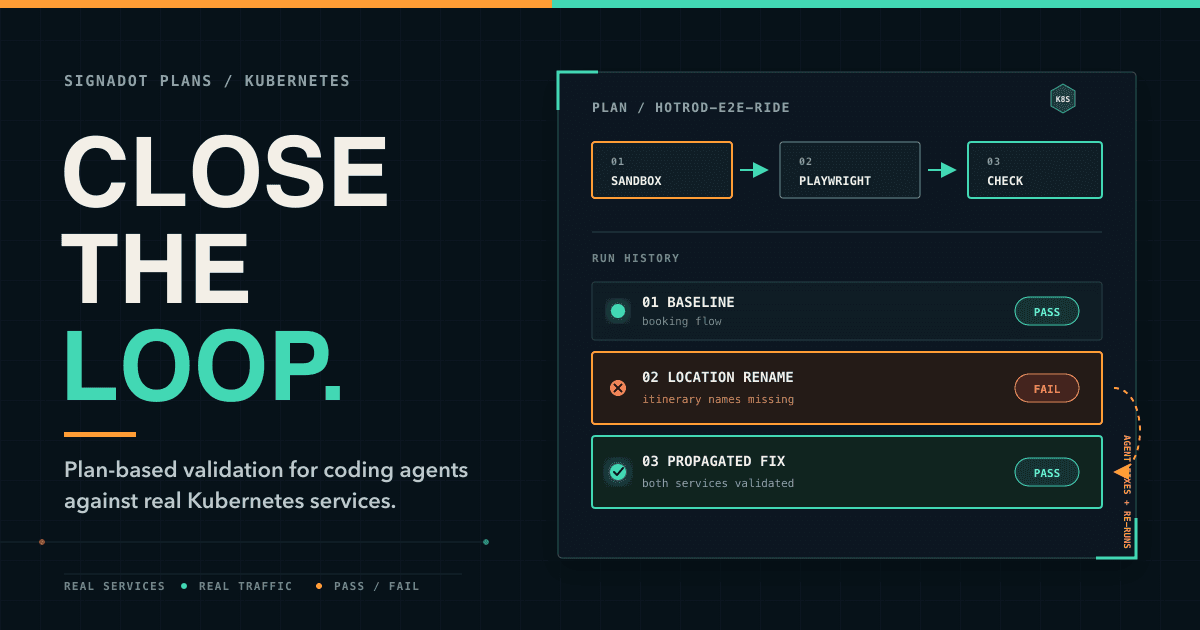
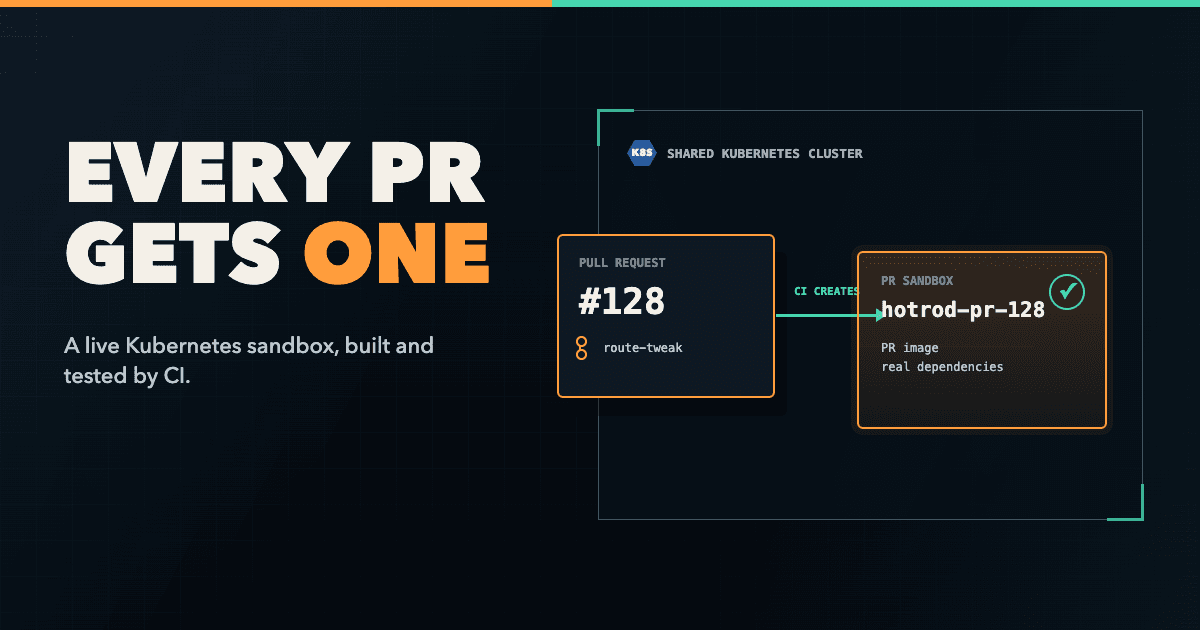
While developing microservices locally is possible, running and testing them in a production-like Kubernetes environment is complex. A typical development workflow while developing service in Kubernetes can significantly slow you down - from building a Docker image, pushing it, restarting the deployments, and testing the changes in a shared cluster. And all that, assuming you manage to keep the shared cluster up to date! In this article, I'll look at a tool called Signadot. Signadot introduces a concept of sandboxes that allow you to considerably shorten your developer workflow and go from minutes to mere seconds! The sandbox concept will enable you to build and run a service locally using the upstream and downstream dependencies inside a shared cluster.

CNCF announced a new certification targeting Istio. Istio Certified Associate is meant for engineers, CI/CD practitioners or anyone interested in Istio. We did a full week of streams on YouTube, going through the exam curriculum. This article contains notes, tips, and observations from the Istio Mesh Week live streams

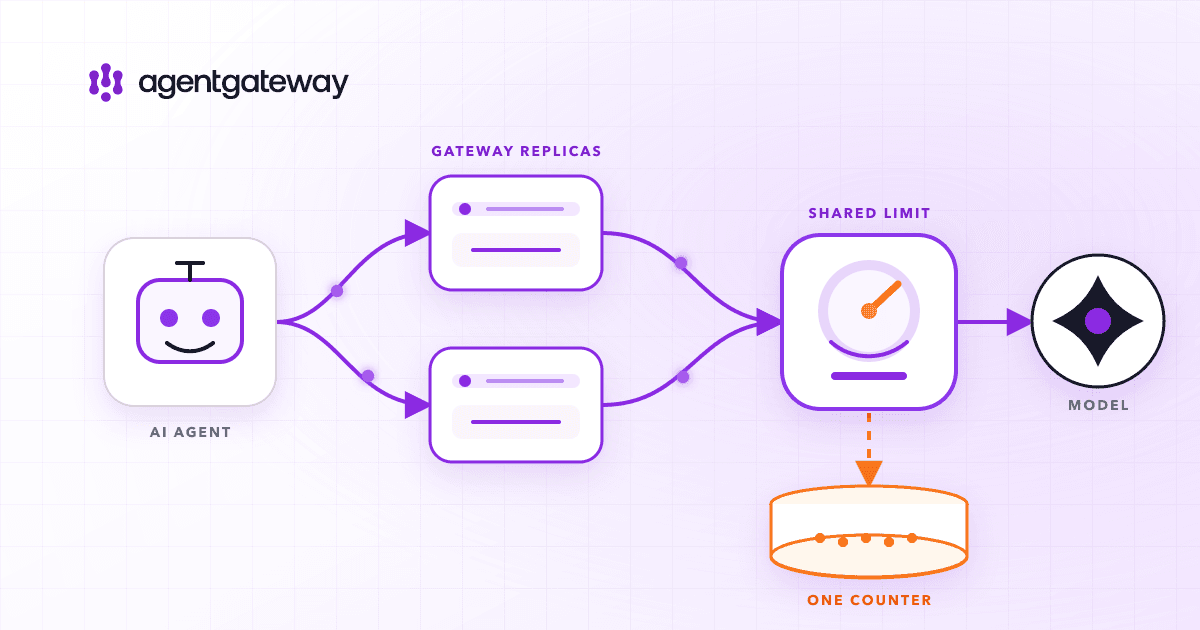
Learn how to set up a global rate limiter with Envoy and Istio, along with detailed instructions on configuring various rate limit scenarios. It also explains how to monitor the rate limit service using Prometheus and Grafana.

I share a quick look into my history with Istio and how I've seen it evolve from an incubating project to a graduated one.

Learn how to secure your Kubernetes network using Cilium and NetworkPolicies in this article. We'll explain the ingress and egress policies, show how to visualize network flows with Hubble, and implement Layer 7 policies with CiliumNetworkPolicy.

Explore an in-depth analysis of Kubernetes networking, including container-to-container, pod-to-pod, pod-to-service, ingress, and egress communication. Understand the key roles of Container Network Interface (CNI), kubelet, kube-proxy, and learn about iptables and IPVS modes in kube-proxy.

Learn how to use the Istio ServiceEntry resource to represent external services, be it as IP addresses or host names.

An interesting question came up today in Istio Slack where someone asked if and how one can apply DestinationRules globally to all workloads inside the cluster. The short answer is yes, and this article will explain how to do it.

In this article you'll learn how rate limiting works in Envoy and how to configure a local rate limiter on the worloads inside the mesh, as well as at the edge of the mesh for the ingress and ingress gateways.

This article explains how to expose custom ports on the Istio ingress and how can you use the same host name, but different port, and route the traffic to two (or more) Kubernetes services.

A collection of more than 20 useful and practical Kubernetes CLI tips from the Kubernetes community.

SSL certificates are a must these days. They helps protect the data being sent between the server and the client by encrypting it, which gives your website more credibility. In this blog post I will explore a couple of different ways you can obtain SSL certificates and configure the Istio Gateway to use them.

本文将向您展示如何在 OCI Ampere A1 上准备和启动计算密集的 AI 应用程序。使用 Ampere A1,我们将发挥 Ampere Altra 处理器和 Ampere AIO 一流的 AI 推理性能。

In this article, I will demonstrate easy steps of preparing and launching compute-intensive AI applications on OCI Ampere A1 shape to take advantage of the best-in-class AI inference performance of Ampere Altra processor and Ampere Inference Optimizer (AIO).

Firebase emulators are a suite of Firebase service emulators that allow you to run and test your applications locally. This article describes how to configure and use them with Next.js

In this article, I'll take you on a journey of setting up a free-for-life virtual machine instance running on OCI. We'll be creating the account, a virtual machine instance, creating a Github repository with Hugo, setting up Nginx on the VM, and obtaining a free SSL certificate.

Monitoring with cAdvisor allows you to gather information about individual Docker containers. cAdvisor runs as a daemon and collects the information about running containers, crunches the data, and exports it to your backend system of choice (Prometheus, ElasticSearch, StatsD). This article shows you how to install cAdvisor and get the metrics to show up on a dashboard in Grafana.

In this first lab in the series of Kubernetes labs, we'll learn how to create a Kubernetes cluster in Google Cloud

You've created your Kubernetes cluster and now it's time to put it to use. In this second lab you'll create your first Kubernetes Pod and your first Kubernetes ReplicaSet

The concept of hooks is well-known in the tech world. Events usually trigger hooks, and they allow developers to react to those events and run some custom code. But how can you do the same in the context of Kubernetes and containers?

Have you ever said "THIS WORKED YESTERDAY!!". Yeah, me too. This could also be titled Living on the edge with Wasm or The tale of a stray character or How I spent way more time I would like to admit, fixing an issue that was completely my fault

GetIstio CLI was released this week. GetIstio features aCLI that offers an easier way to install and upgrade Istio, a free Istio Fundamentals training, and a community, with the first meeting coming up on February 18th.

In this post, you'll learn how to expose multiple Kubernetes services running inside your cluster using Istio' Gateway and VirtualService resources.

Running stateful workloads inside Kubernetes is different from running stateless services. The reason being is that the containers and Pods can get created and destroyed at any time. If any of the cluster nodes go down or a new node appears, Kubernetes needs to reschedule the Pods. When Pods get rescheduled, what happens with data? This article talks about Kubernetes Volumes and how to use them to store the data outside of your containers.

I needed a way to send a notification to a Slack channel, whenever I push new versions of Docker images to the registry. This post, I explain how I created a function that uses a container registry webhook to call a serverless function that sends a message to a Slack channel.

Using the NetworkPolicy resource, you can control the traffic flow for your applications in the cluster, at the IP address level or port level (OSI layer 3 or 4).

The ambassador container pattern aims to hide the primary container's complexity and provide a unified interface through which the primary container can access services outside of the Pod.

Start Kubernetes will teach you everything you need to know to use Kubernetes effectively.

The sidecar container aims to add or augment an existing container's functionality without changing the container. In comparison to the init container from the previous article, the sidecar container starts and runs simultaneously as your application container. The sidecar is just a second container you have in your container list, and the startup order is not guaranteed.

Init containers allow you to separate your application from the initialization logic and provide a way to run the initialization tasks such as setting up permissions, database schemas, or seeding data for the main application, etc. The init containers may also include any tools or binaries that you don't want to have in your primary container image due to security reasons.

Istio allows you to enable or disable different components, as well as tweak the configuration for them. However, what do you do if you want to deploy another ingress gateway? In this article, I go through a couple of exercises and try to deploy a second ingress gateway.

The strangler pattern is useful for scenarios where you can intercept the calls at the edge of your monolithic application. But what do you do in a scenario where the functionality you're trying to extract is not called directly from the outside, rather it is being called from multiple other places inside the monolith?

The strangler pattern is used in scenarios when you're migrating from monolithic systems by extracting pieces of functionality and moving that functionality into new services. This article explains how the pattern works and how to implement it.

One part of the Start Kubernetes course I am working on (in addition to the book and videos) is the interactive labs. The purpose of these labs is to help you learn Kubernetes by solving different tasks, such as creating pods, scaling deployments, and so on. What follows is a quick explanation of how the end-user experience looks like and how I've set up my development environment for it.

In addition to routing the incoming requests or exposing service API's through a single endpoint, the ingress gateways does other tasks, such as rate limiting, SSL termination, load balancing, authentication, circuit breaking and more. In this article I will show you how to install the Ambassador Gateway and other components to be able to obtain an SSL certificate for your application.

You deployed your applications to Kubernetes and now you need a way for your users to access them. You can do that with a Kubernetes Ingress resource and an Ingress controller. This article explains all about the Ingress resource and shows you how to expose multiple applications through a domain, subdomain and on a different URL path.

To investigate and debug the containers within a pod you need to remove the pod from the load balancing pool, so none of the traffic gets sent to it. This tip shows you how to do that.

In this multi-part series of articles I'll try and capture everything I think someone who wants to learn and work with Kubernetes should know about. If you have read any of my previous articles or courses you know that I like to learn by practice and trying things out. I'll explain theoretical things, but will focus more on the practical parts.

In this article, I'll talk a bit about data partitioning. Specifically, I'll talk about horizontal data partitioning or sharding. After a brief 'theoretical' part, I'll show you an example of how you can configure sharding with MongoDB. You will be able to run three MongoDB shards, a configuration server, and a router on your computer, using Docker compose.

In this short article I'll talk about two things - the latest tag in Docker and why you should be careful when using it and how you should come up with your own tagging scheme for your Docker images.

I have been using Docker directly or indirectly for years now. During that time I shot myself in the foot multiple times by not following suggestions and good practices. I have collected tips and practices and separated them into multiple categories. I am calling these categories Dockerfiles, images, and containers. The first part talks about Dockerfiles - I have included 6 tips and practices you should try and adopt.

Understanding concepts around Docker images and containers is crucial for anyone starting in cloud-native. Regardless if you're in development, DevOps or program management (or any other technical role :). Once you grasp the basics of Docker it will be so much easier for you to understand things like Kubernetes, service meshes and pretty much any other cloud-native tool works. You can think of this guide as the first practical guide to learning about cloud-native.

Have you heard of gateways, proxies, load balancer, API gateways? This article explains what gateways are, what is their purpose and how they work with practical examples

If you ever wanted to quickly evaluate service meshes and even run a couple of performace tests, you might want to look into Meshery. Meshery is a multi-service mesh management plane for lifecycle, config and performance management of service meshes.

A circuit breaker is an automatically operated electrical switch designed to protect an electrical circuit from damage caused by excess current from an overload or short circuit. How does that apply to your services and Istio service mesh?

This article explains how to build a simple CI using Github Actions. It involves triggering the workflow only on version file changes, parsing the image names and then building, tagging and pushing the images to the Docker registry.

In the past year, I have done multiple workshops on Kubernetes, Istio and cloud-native development. As part of my workshops I usually start with theory and explain the concepts using slides, show some demos, but then it's on you, the participant to try out the technology yourself.

Ever wondered how you can build your own system that automatically updates your React app each time you push changes to the repository where your app is hosted? In this article I explain how you can use build a Netlify-like deployment for React apps using a multi-container Kubernetes pod.

Istio 1.4.0 was released on November 14th and it came with a lot of new features and enhancements. In this article I go through my favorite six improvements, including the new and simple way of installing Istio and opening dashboards.

The fallacies of distributed computing or distributed system are a collection of eight statements made by L. Peter Deutsch and others at Sun Microsystems about false assumptions people new to developing distributed applications make. Here's the list of 8 fallacies of distributed systems

The CAP theorem, also named Brewer's theorem after computer scientist Eric Brewer, states that it is impossible for a distributed system to simultaneously provide more than two out of the following three guarantees - consistency, high availability, and partition tolerance.

This Kubernetes CLI (kubectl) cheatsheet contains the most common commands you will use when working with Kubernetes clusters and Kubernetes resources. If you're working with Kubernetes on daily basis or if you're just learning about Kubernetes you will run into a set of commands that are used often than the other commands. The ones used more often are also usually easy to remember (especially if you're typing them out multiple times a day).

This post and accompanying video guides you through the Minikube installation process. It explains and introduces a couple of essential Minikube commands you can use to work with your Kubernetes cluster, and shows you how to access your applications inside the cluster when using Minikube.

I like to read and see how people set up their environments and any tools, tips, and tricks they use to be more productive when working with Kuberentes and Istio. What follows is a collection of 5 tips and tools that I use daily and I think it makes me be more productive with Kuberentes and Istio.

The idea behind sticky sessions is to route the requests for a particular session to the same endpoint that served the first request. That way to can associate a service instance with the caller, based on HTTP headers or cookies. You might want to use sticky sessions if your service is doing an expensive operation on first request, but later caching the value. That way, if the same user makes the request, the expensive operation will not be performed and value from the cache will be used.

This article explains how you can use Istio in combination with ngrok to debug a service running locally on your machine while the production version of the service is running in the cluster

By default, any service running inside the service mesh is not automatically exposed outside of the cluster which means that we can't get to it from the public Internet. Similarly, services within the mesh don't have access to anything running outside of the cluster either.

The idea behind zero downtime release is to release a new version of the service, without affecting any users — i.e., users don't even know when a new version of the service is released. A practical example would be if you have a website running, how can you can you release a new version without taking the site down?

In addition to more “traditional” traffic routing between different service versions, that can be based on a variety of incoming requests properties, such as portions of the URL, header values, request method, etc., Istio also supports traffic mirroring.

You have finally deployed your app to Kubernetes and you bought a cool domain name — ever wondered how to point your cool domain like www.mydomain.com, but cooler, to an application running inside Kubernetes? Well, read on and I'll try to explain how to do just that!